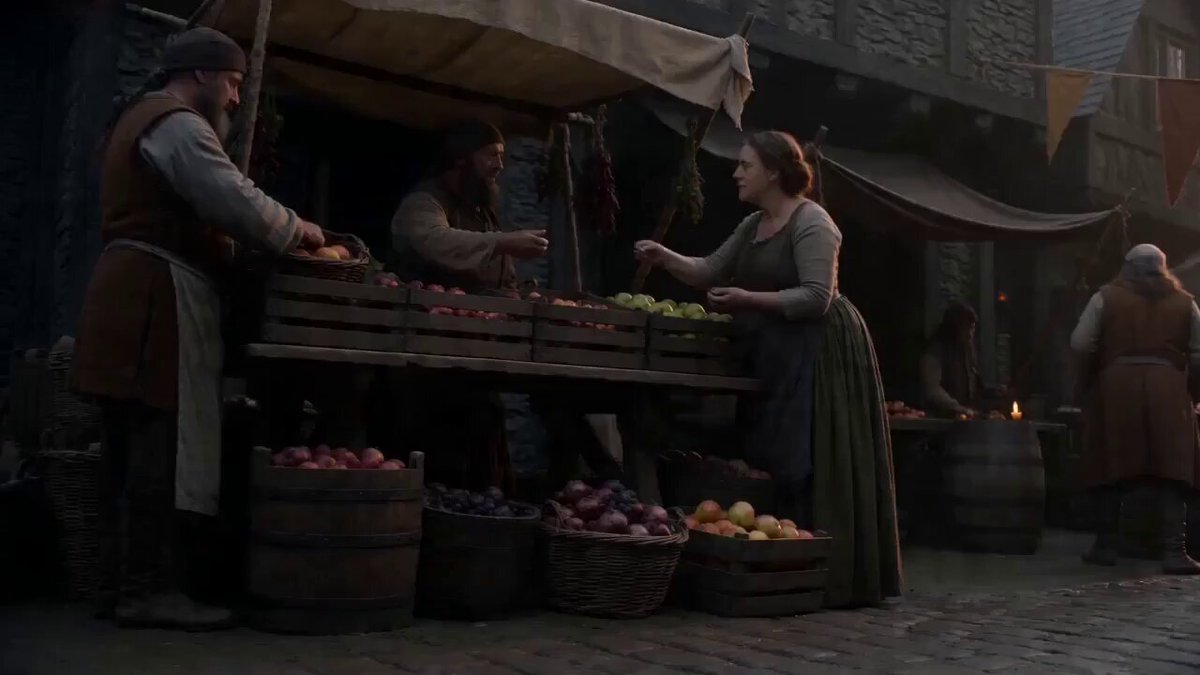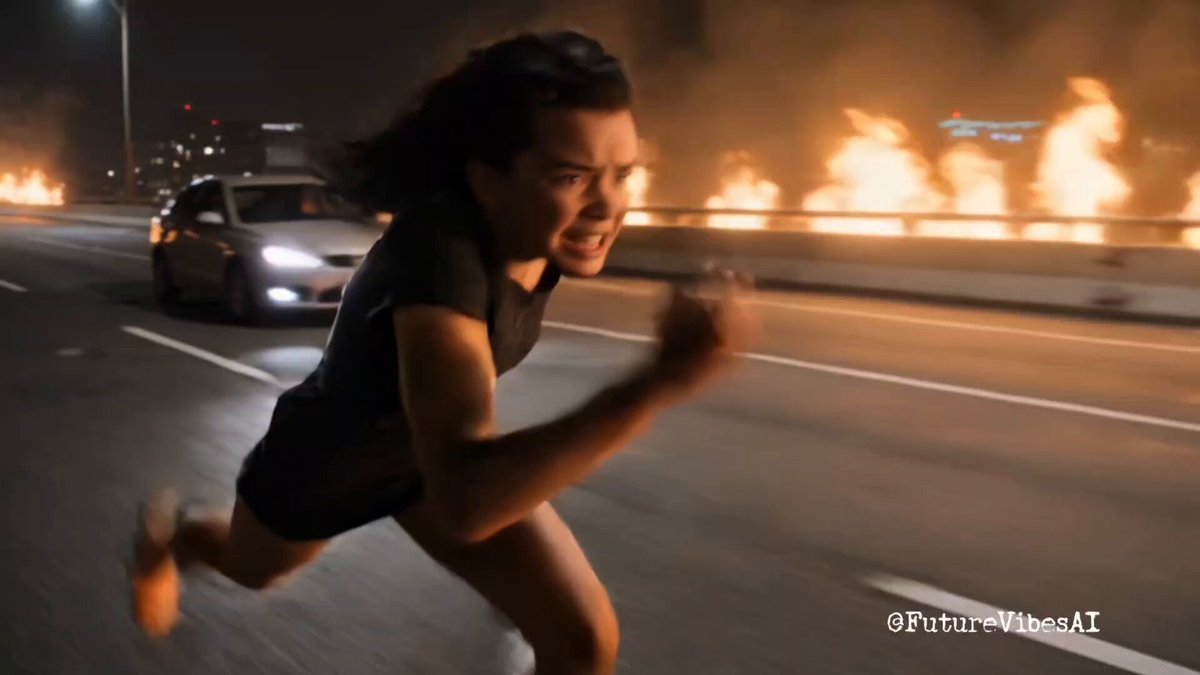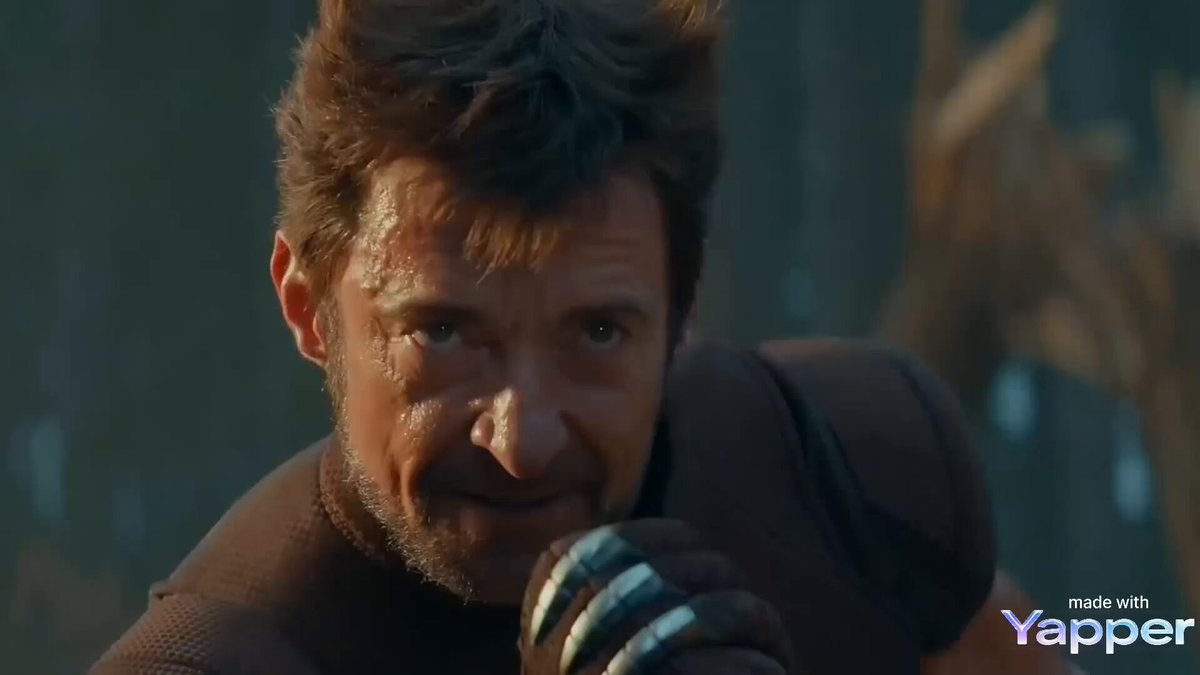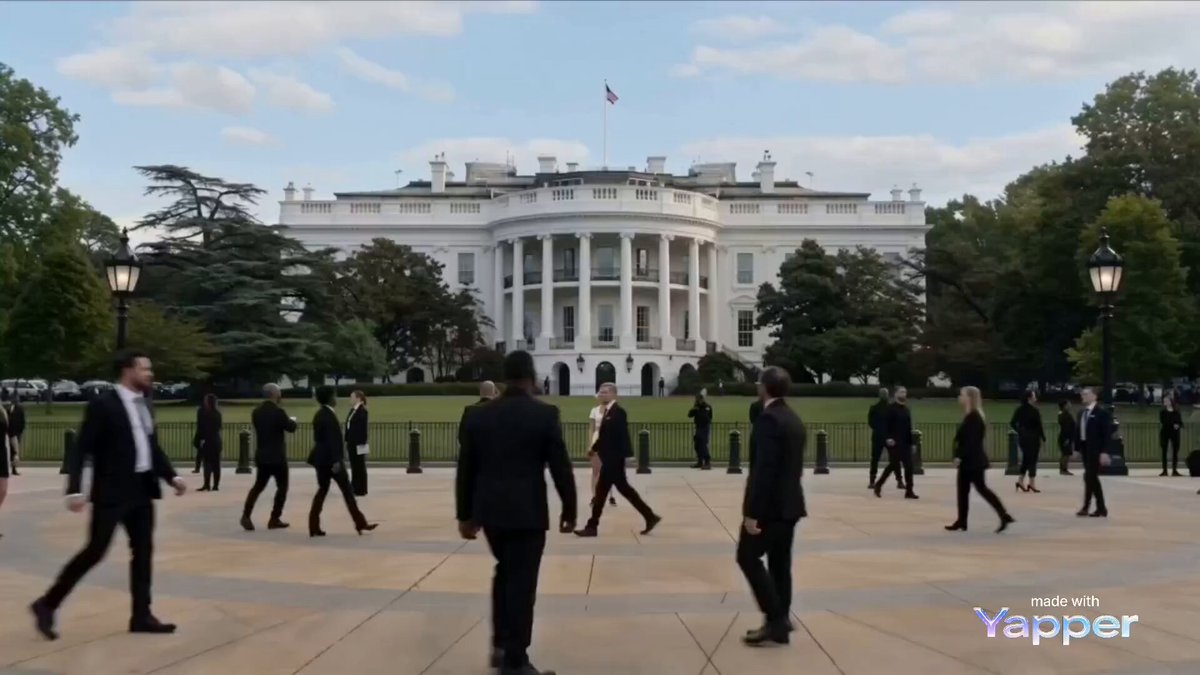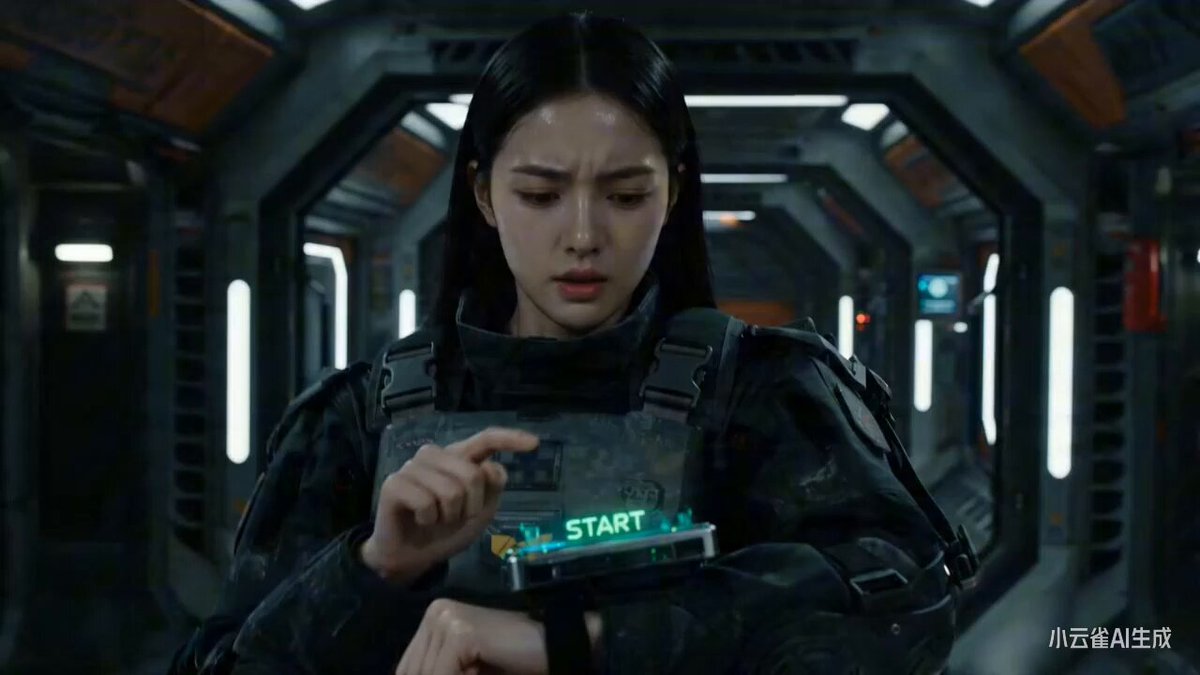
Kling 3.0 Pro Mecha Transformation Video Prompt
♥ 1.1K👁 23.9K
Browse stunning AI-generated videos and images with their prompts. Get inspired, copy prompts, and create your own masterpieces.
Kling 3.0 Pro Mecha Transformation Video Prompt
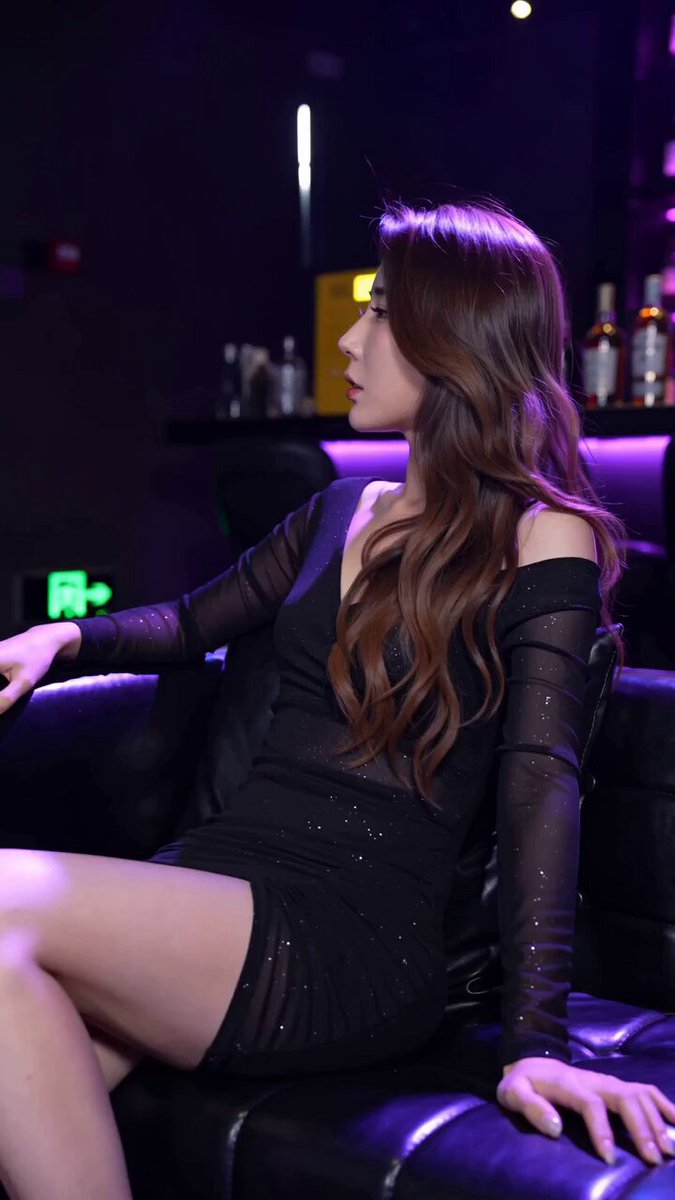
Realistic Nightclub Short Video with Face Consistency
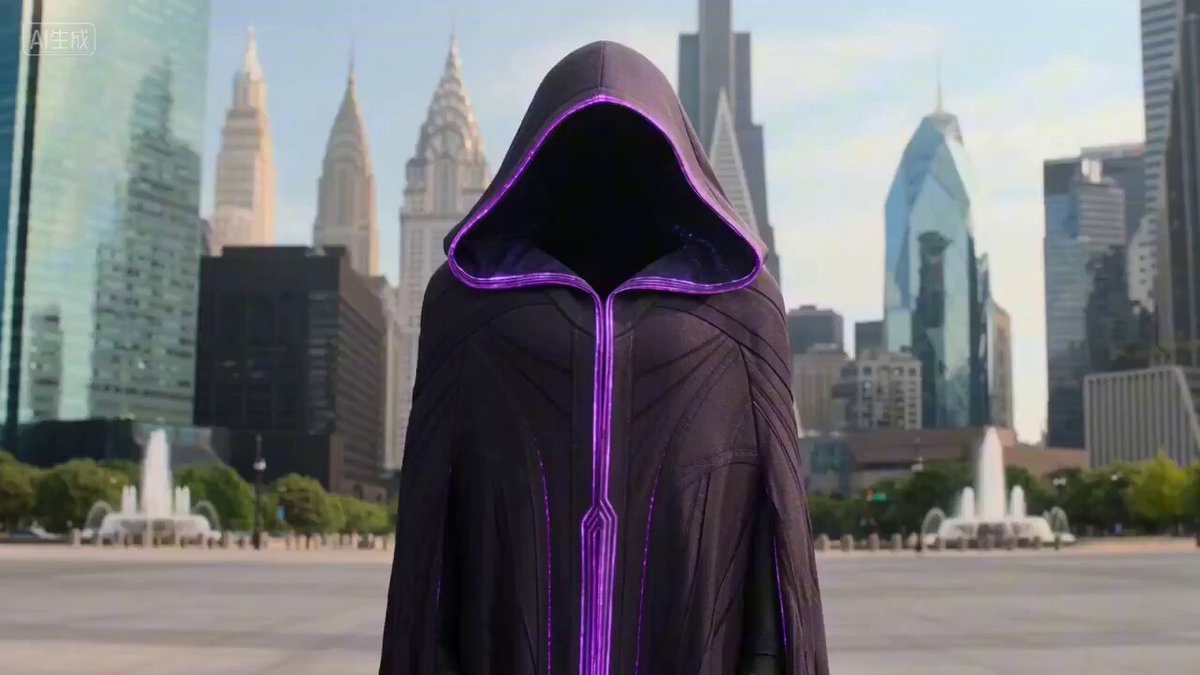
Large-Scale Architectural Transformation and Destruction Physics Video Prompt
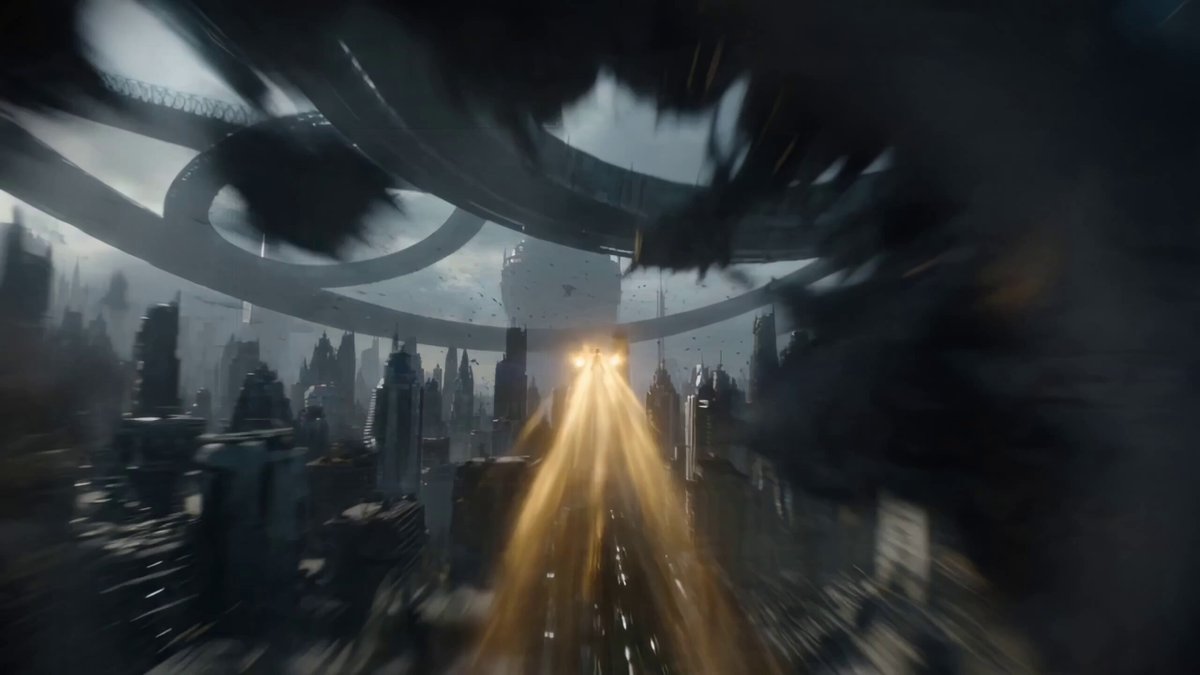
One-Shot Continuous Fall Through Four Layers of Reality

Epic Sci-Fi Action Sequence Prompt for Kling 3.0 Pro
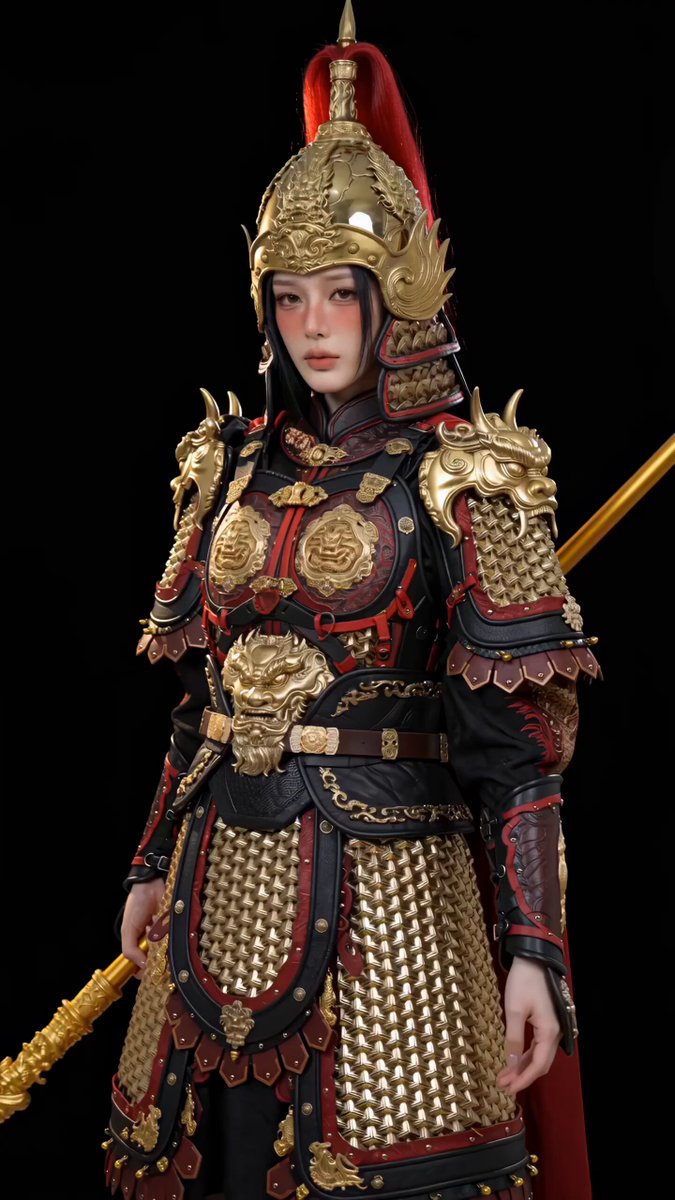
Kling 3.0 Pro Global Female General Armor Transformation Video Prompt
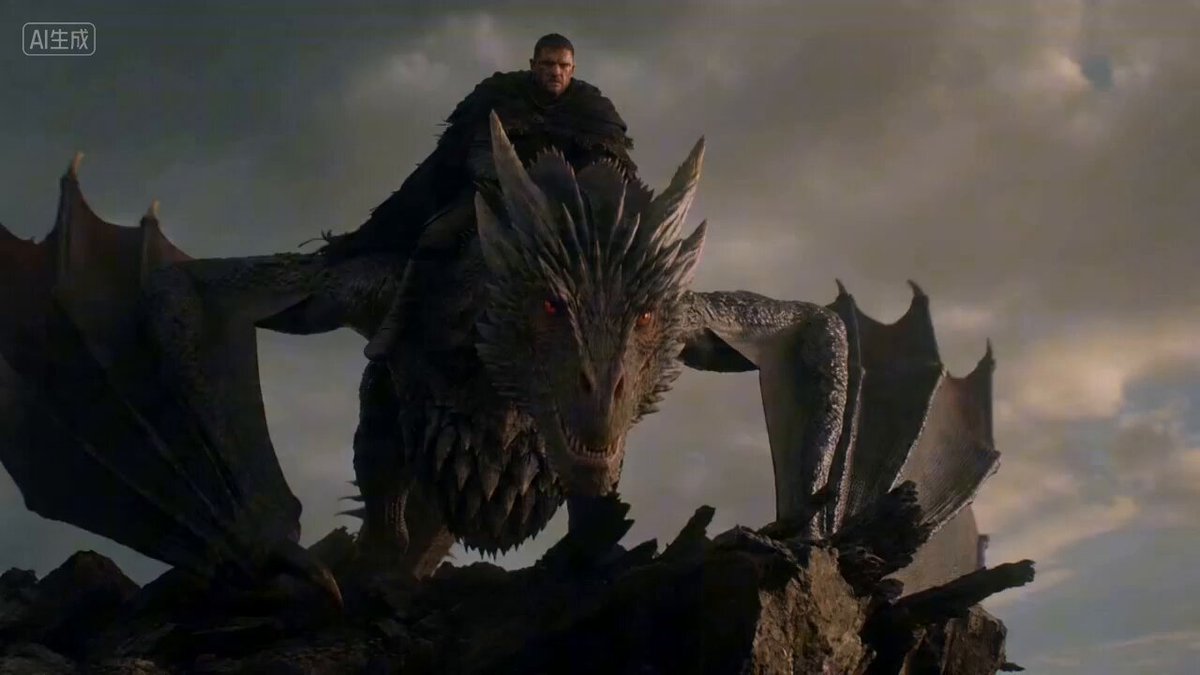
Epic Dragon Battle Video Prompt for Kling 3.0 Pro
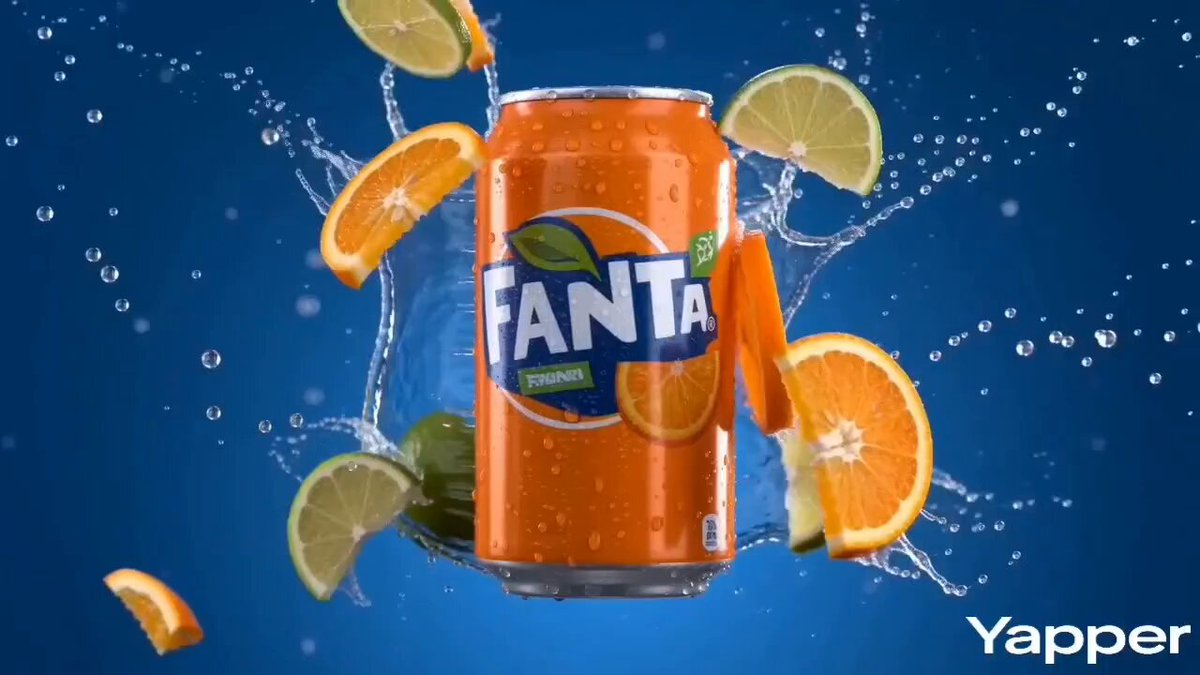
Vibrant Orange Soda Commercial Shot

Handcrafted Stone Figurine Transformation Prompt
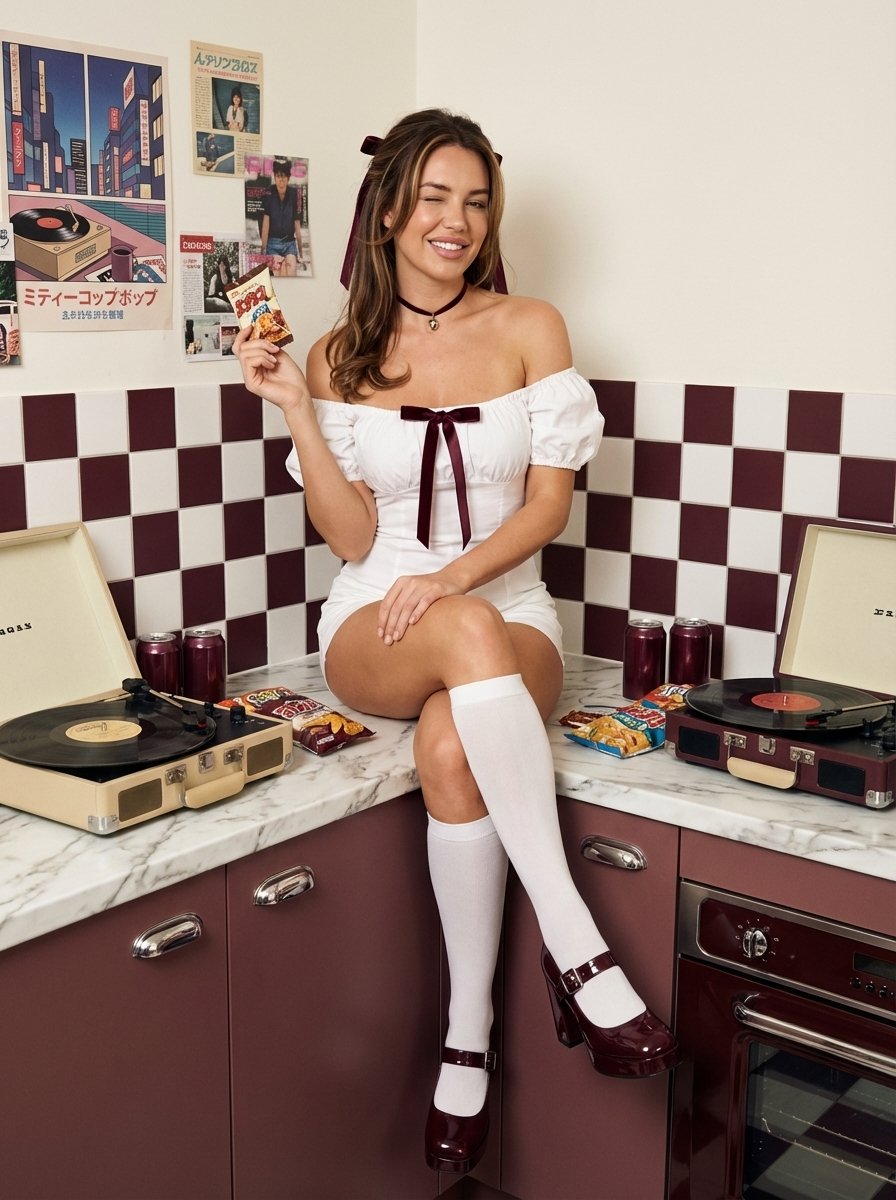
1970s Retro Kitchen Portrait with K-Pop Idol
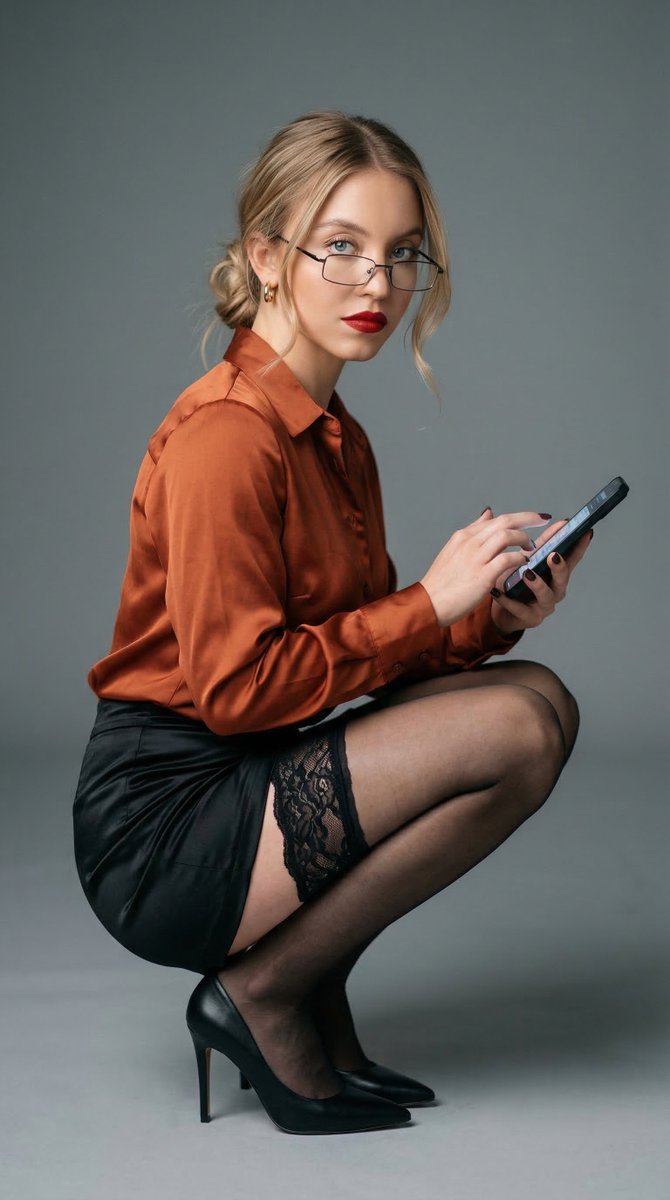
Ana de Armas Inspired Editorial Portrait in Low Squat Pose

Cinematic Portrait Reflection with Ghibli Effect
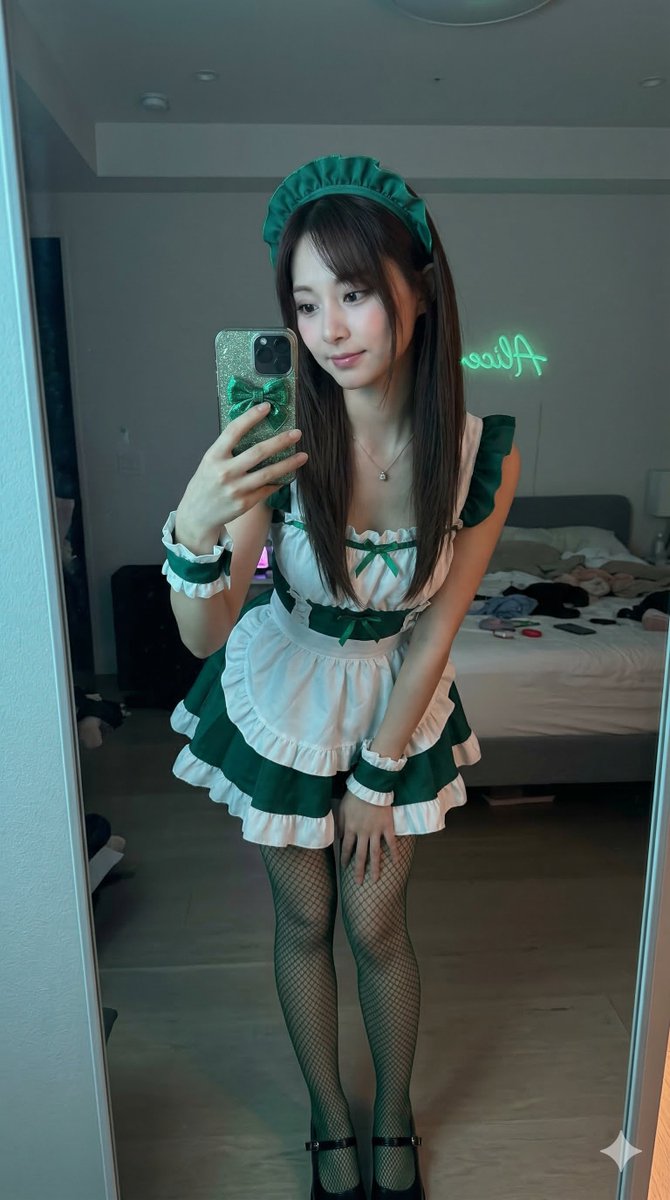
Tzuyu Maid Cosplay Mirror Selfie
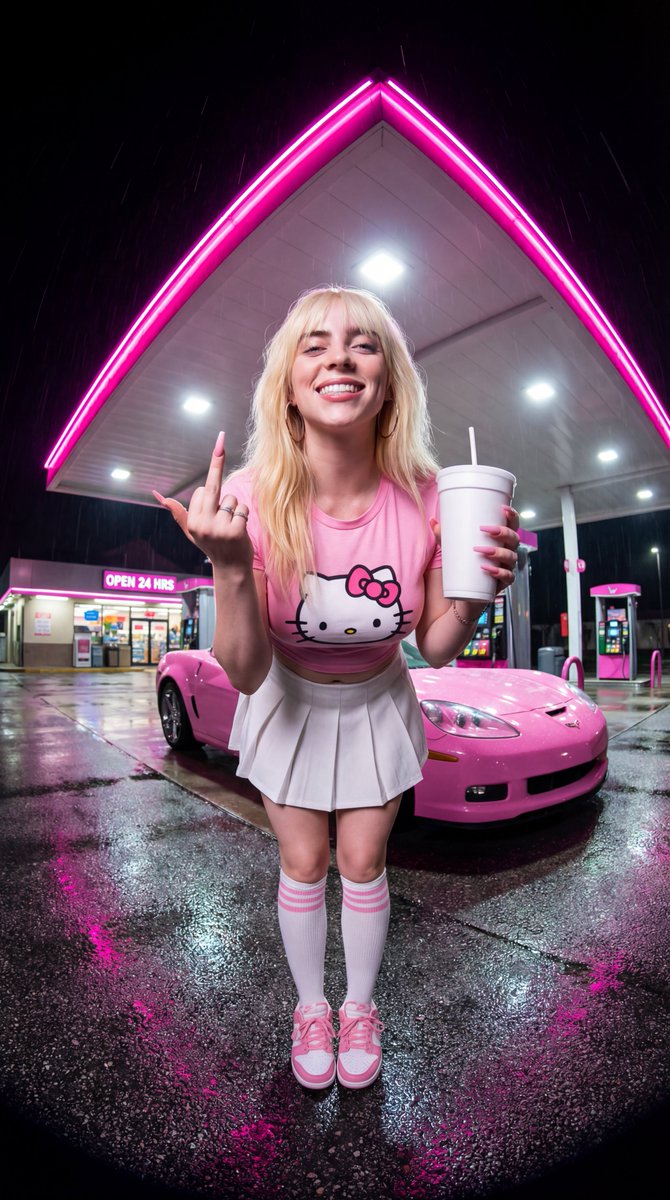
Sydney Sweeney Neon Gas Station Scene
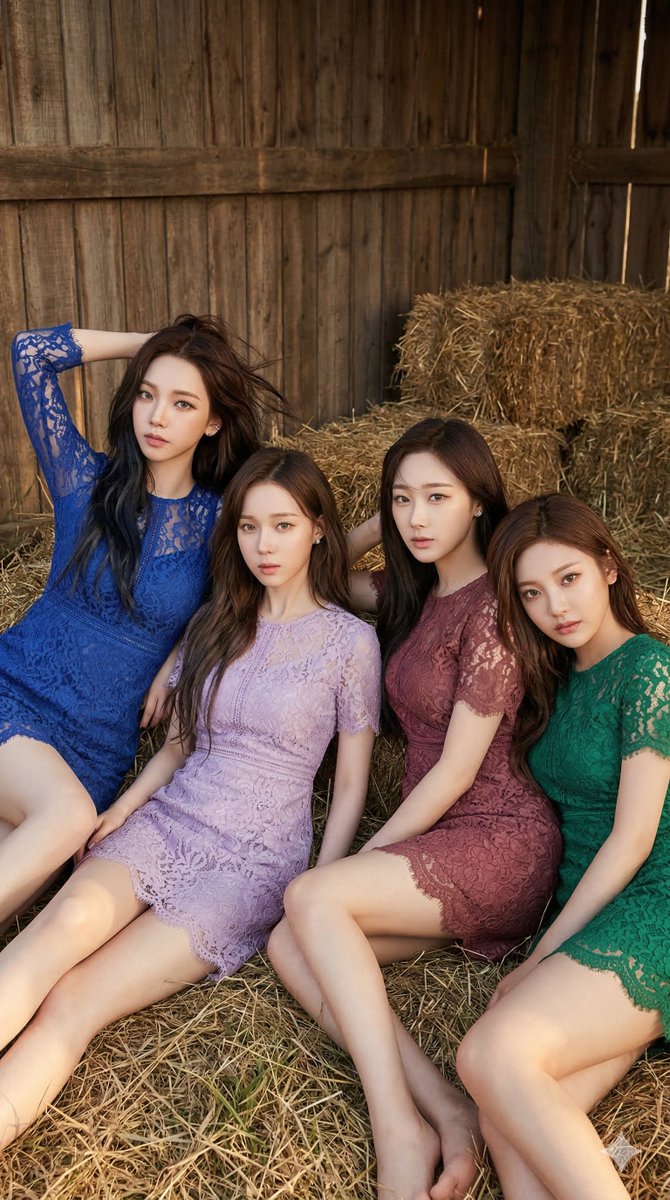
aespa in Lace Minidresses at a Rustic Barn
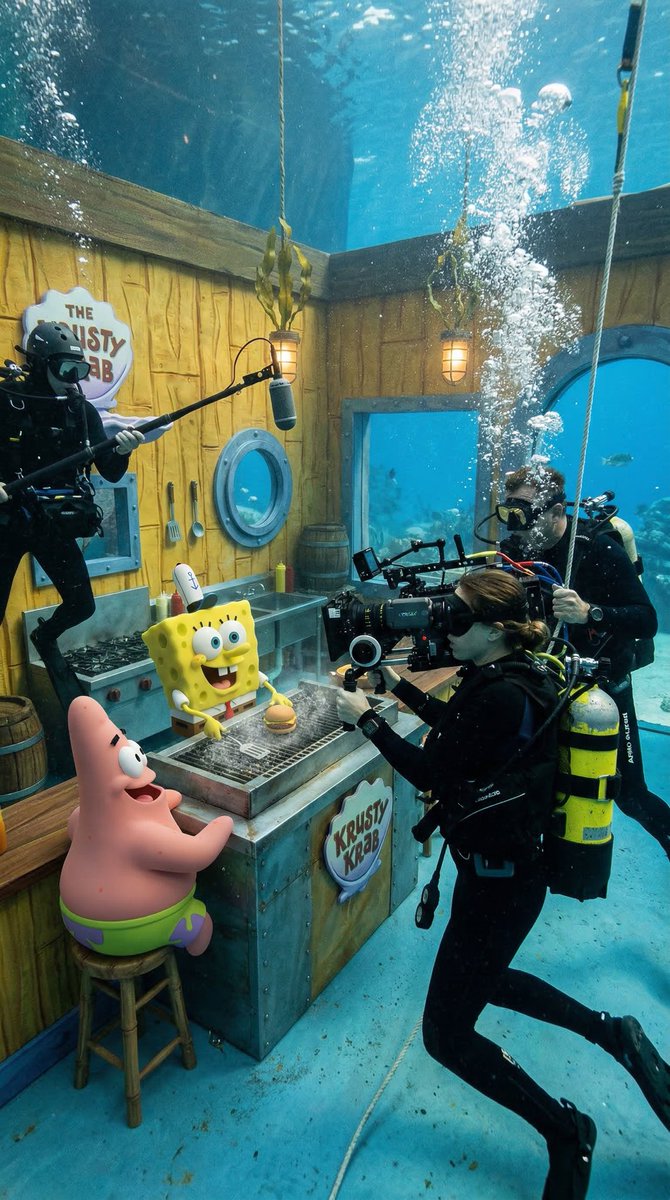
Photorealistic BTS SpongeBob Scene
Model Definition
Kling 3.0 is a multimodal AI video generation model launched on February 5, 2026, by Kling AI. It ranked #1 on the Artificial Analysis text-to-video leaderboard upon release. The Kling 3.0 model series includes Video 3.0, Video 3.0 Omni, Image 3.0, and Image 3.0 Omni. Powered by a unified training framework that processes text, images, audio, and video together, it brings understanding, generation, and editing of video into one streamlined AI workflow. Kling 3.0 is the first AI video model to generate native 4K resolution at 60 frames per second without post-generation upscaling. Its primary capabilities span four core modalities: text-to-video generation with scene-level reasoning for realistic physics and lighting, image-to-video animation that preserves source identity and branded elements, multi-shot storyboard generation allowing shot-by-shot control over duration, camera angle, and narrative content for sequences up to 15 seconds, and native multi-language audio generation supporting English, Chinese, Japanese, Korean, and Spanish with multi-character dialogue and distinct voice profiles.
See how Kling 3.0 compares to leading AI video generators across key dimensions that matter for production workflows.
| Feature | Kling 3.0 | Sora 2 | Veo 3.1 |
|---|---|---|---|
Output Resolution Max native resolution | Native 4K 60fps | 1080p (upscaled 4K) | 1080p |
Max Duration Single generation | 15s | 20s | 8s |
Multi-Shot Storyboard Shot-by-shot control | |||
Native Audio Built-in voice generation | 6+ languages | Limited | ✓ (English) |
Character Consistency Identity across shots | Excellent | Good | Good |
Lip Sync Quality Speech-to-motion accuracy | Good | Good | Best |
Free Tier | Limited | Limited | |
Best For Primary use case | 4K multi-shot production | Pro-level filmmaking | Lip sync & dialogue |
Start producing professional-quality AI videos on our platform in three simple steps.
Write a detailed prompt describing the scene, characters, and camera movement. Or upload a reference image to animate. Kling 3.0 reasons through scenes before rendering for physically accurate results.
Use multi-shot storyboard mode to define individual shots with specific durations, camera angles, and transitions. Add native voiceover in 6+ languages or let the model generate synchronized dialogue.
Kling 3.0 produces native 4K 60fps video up to 15 seconds. Download your finished video or iterate on individual shots without regenerating the entire sequence.
Unlock professional-grade video production with multi-shot storyboarding, native audio generation, and consistent character identity across scenes.
Text to Video
Describe your scene and Kling 3.0 produces native 4K video at 60fps with physically accurate motion. The model reasons through scenes before rendering, resulting in realistic lighting, gravity, and object interactions.
Image to Video
Upload a reference image and Kling 3.0 brings it to life with natural motion and temporal consistency. Characters, objects, and branded elements remain sharp and coherent across every frame.
Multi-Shot Storyboard
Define shot-by-shot prompts with specific duration, camera angle, and narrative content. Kling 3.0 generates professional multi-shot videos up to 15 seconds where subject identity stays consistent across different angles.
Audio Generation
Generate synchronized speech in English, Chinese, Japanese, Korean, and Spanish directly within your video. Kling 3.0 supports multi-character dialogue where each character speaks a different language with distinct voice profiles.
Kling 3.0 is the engine — our platform is the studio. Generate, preview, iterate, and export AI videos and images from one workspace without juggling multiple tools.
Try Kling 3.0 directly from the landing page. Your prompt and settings carry over when you create an account, so you never lose work or restart from scratch.
Generate videos, create images, review outputs, and iterate on past work from the same workspace. No need to switch between separate tools for different media types.
Use Kling 3.0, Kling 2.6, and other Kling variants inside one familiar interface. Pick the best Kling model for each task without switching between tools.
Every video and image generation shows its credit cost upfront. Monitor usage across models in real time so you stay in control of production spend.
Generation history, downloads, and task details are built in. Revisit any past output, regenerate variants, or continue editing a project days later.
Account management, billing controls, and responsive support are part of the service — so you can focus on creating while we handle the infrastructure.
From solo creators to enterprise teams, see how different professionals use Kling 3.0 in their daily workflow.
Use Kling 3.0 to generate product demo videos, UGC-style ads, and seasonal campaign clips. Branded text and logos stay sharp throughout the video — no videographer needed, native 4K results in seconds.
Create scroll-stopping video ads for TikTok, Instagram Reels, and YouTube Shorts using Kling 3.0. Multi-shot storyboard mode lets you build hook → demo → CTA sequences in a single generation flow.
Turn written scripts into visual storyboards with Kling 3.0. Define individual shots with camera angles, durations, and transitions to previsualize scenes before production at a fraction of traditional costs.
Generate fully narrated video content with Kling 3.0 built-in audio. Produce faceless YouTube videos, explainers, and tutorials with consistent characters and multi-language voiceover — no camera required.
Produce high-fidelity concept videos for client presentations using Kling 3.0. Iterate on creative direction in real-time with 4K output that communicates production-level quality before committing budget.
Scale video campaigns across markets with Kling 3.0 native audio in 6+ languages. Generate the same ad with English, Chinese, Japanese, Korean, or Spanish voiceover without reshooting or dubbing.
Get all features, Generate professional images in seconds.
Save more with our subscription plans. Cancel or change anytime.
Plan Credits
Includes
Plan Credits
Everything in Starter, plus
Plan Credits
Everything in Standard, plus
Read about our latest product features, solutions, and updates.

Learn how to use Kling 3.0 for YouTube Shorts to create viral 9:16 AI videos. Complete workflow guide covering format setup, content types, and publishing.

OpenAI shut down Sora 2 on March 24, 2026. Discover why Kling 3.0 is the best Sora 2 alternative with native 4K, multi-shot, and built-in audio generation.

Kling 3.0 vs Wan 2.6 compared across 4K output, audio sync, multi-shot, and open-source access. Find which AI video generator fits your workflow.
Find answers to common questions about using Kling 3.0 on our platform.
Can't find what you're looking for? Contact our customer support team
Start generating native 4K 60fps videos with multi-shot storyboarding and built-in audio in seconds.

Generate cinematic AI videos at native 4K 60fps with Kling 3.0. Create multi-shot sequences with consistent characters, built-in audio generation in 6+ languages, and professional storyboard control — all from a single prompt.